
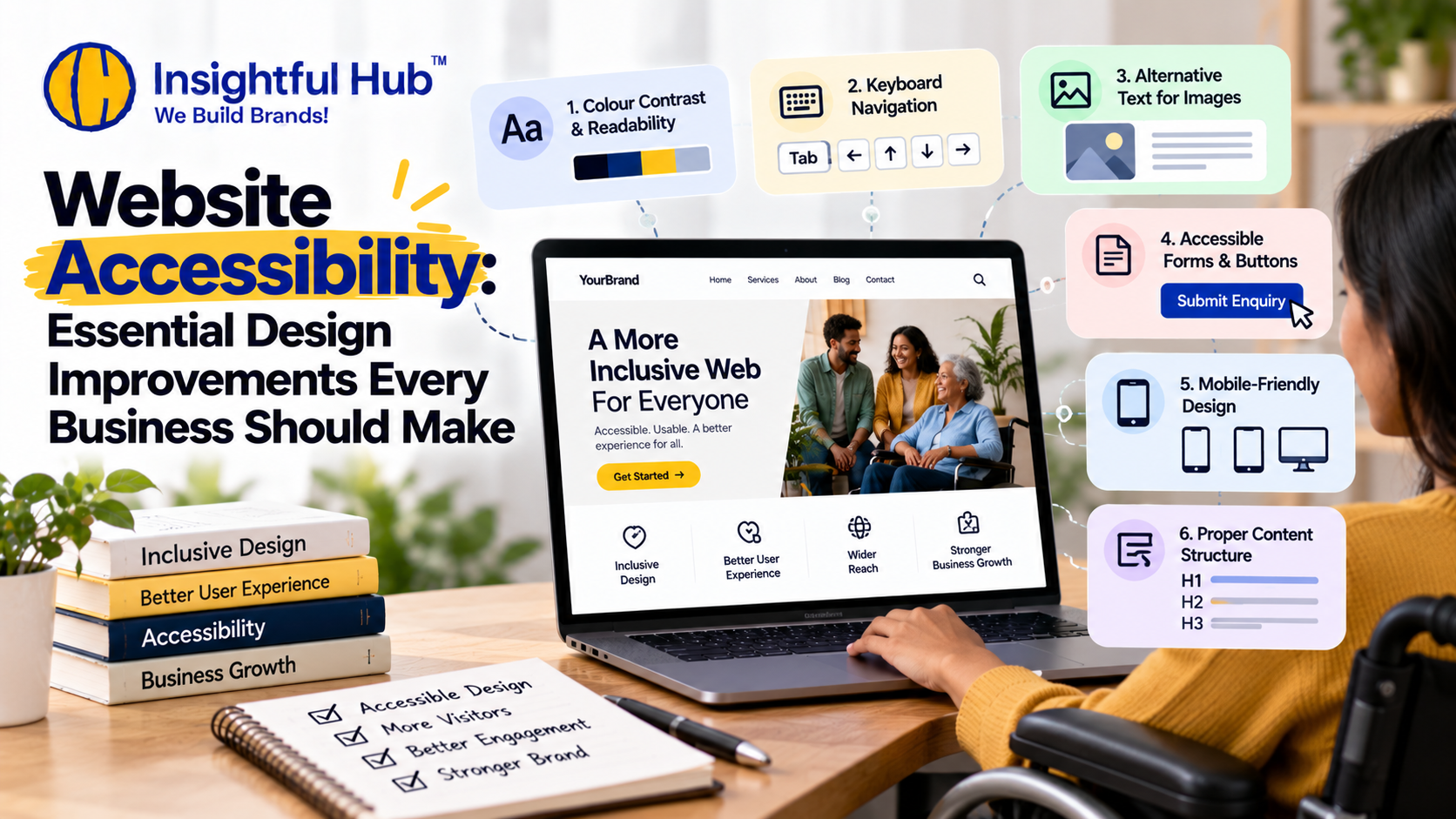
Website Accessibility: Essential Design Improvements Every Business Should Make
Your website should be easy to use for everyone, regardless of their abilities, device, or browsing preferences. However, many business websites unintentionally create barriers through poor colour contrast, confusing navigation, inaccessible forms, or images without alternative text.
Website accessibility means designing and developing websites so that people with disabilities can perceive, understand, navigate, and interact with digital content.
Improving accessibility can create a better user experience, make information easier to access, and help businesses build more inclusive digital experiences. Here are the essential website accessibility improvements every business should consider.
1. Improve Colour Contrast and Readability
Make website content easier to read
Text that blends into the background can be difficult for people with low vision or colour vision deficiencies to read.
What you should improve
Use sufficient contrast between text and background colours.
Choose readable font sizes and clear typography.
Avoid using colour alone to communicate important information.
Make links and buttons visually distinguishable.
As a general WCAG 2.2 guideline, normal text should have a contrast ratio of at least 4.5:1, while large text should have at least 3:1.
2. Make Your Website Keyboard-Friendly
Ensure visitors can navigate without a mouse
Some people rely on keyboards or assistive technologies rather than a mouse to navigate websites.
What you should improve
Make menus, buttons, links, and forms accessible using a keyboard.
Provide a clearly visible keyboard focus indicator.
Ensure users can move through interactive elements in a logical order.
Avoid keyboard traps that prevent users from moving away from an element.
Test your website by navigating through it using only the Tab, Shift + Tab, Enter, and arrow keys where appropriate.
3. Add Alternative Text to Images
Make visual content more accessible
Screen readers use alternative text, commonly called alt text, to communicate meaningful image information to people who cannot see the image.
What you should improve
Write descriptive alt text for meaningful images, product photos, diagrams, and informative graphics. Decorative images should generally use empty alt attributes so assistive technologies can ignore them.
For example, instead of using image123.jpg as the alt text for a product image, describe the product and its relevant features.
4. Improve Website Forms and Buttons
Help visitors complete actions confidently
Contact forms, enquiry forms, checkout pages, and booking forms are important conversion points. Accessibility issues can prevent visitors from completing these tasks.
What you should improve
Provide clear labels for every form field.
Explain which fields are required.
Display understandable error messages.
Make buttons descriptive, such as “Submit Enquiry” instead of vague labels.
Ensure form fields and buttons can be used with a keyboard.
Give users clear confirmation after submitting a form.
An accessible form helps visitors understand what information is needed and how to correct mistakes.
5. Make Your Website Mobile-Friendly
Create an accessible experience on every screen
Visitors may use screen magnification, larger text settings, or different mobile devices to access your website.
What you should improve
Use responsive layouts that adapt to different screen sizes.
Allow text to resize without losing content or functionality.
Prevent unnecessary horizontal scrolling for ordinary content.
Make interactive targets large enough and sufficiently spaced.
Ensure menus and pop-ups do not block essential content.
A responsive, accessible website helps people navigate your content more comfortably across devices.
6. Structure Content With Proper Headings
Help visitors understand and navigate your pages
A clear heading hierarchy makes content easier to scan and helps screen-reader users understand how information is organized.
What you should improve
Use descriptive headings in a logical order, organize related information into sections, and use meaningful link text.
For example, avoid using “Click here” for every link. Instead, describe the destination, such as “Explore our web design and development services.”
How Insightful Hub Can Help
At Insightful Hub, we help businesses build stronger digital experiences through website design, development, and performance-focused strategies.
Improving accessibility can be part of a broader website improvement process, alongside mobile responsiveness, navigation, page performance, and conversion optimization.
Explore our Web Design & Development services or contact our team to discuss your website goals.
Final Thoughts
Website accessibility is not simply a design preference. It is an important part of creating a digital experience that more people can use effectively.
Start by improving colour contrast, keyboard navigation, image descriptions, form labels, mobile usability, and content structure. Then test your website regularly and address barriers that prevent visitors from accessing important information or completing essential tasks.
A better website is not just visually appealing. It is usable, understandable, and accessible to more people.